Review documents
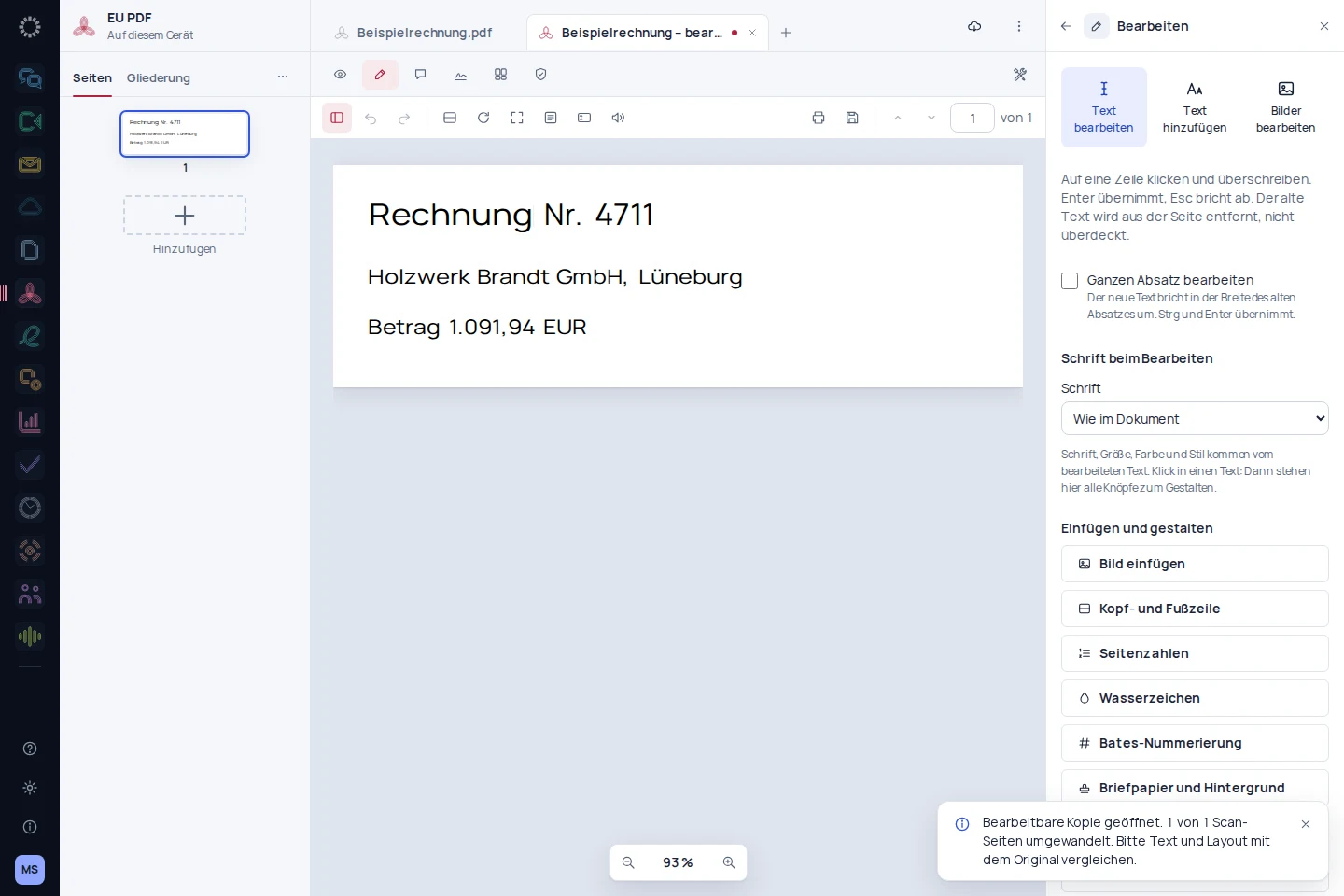
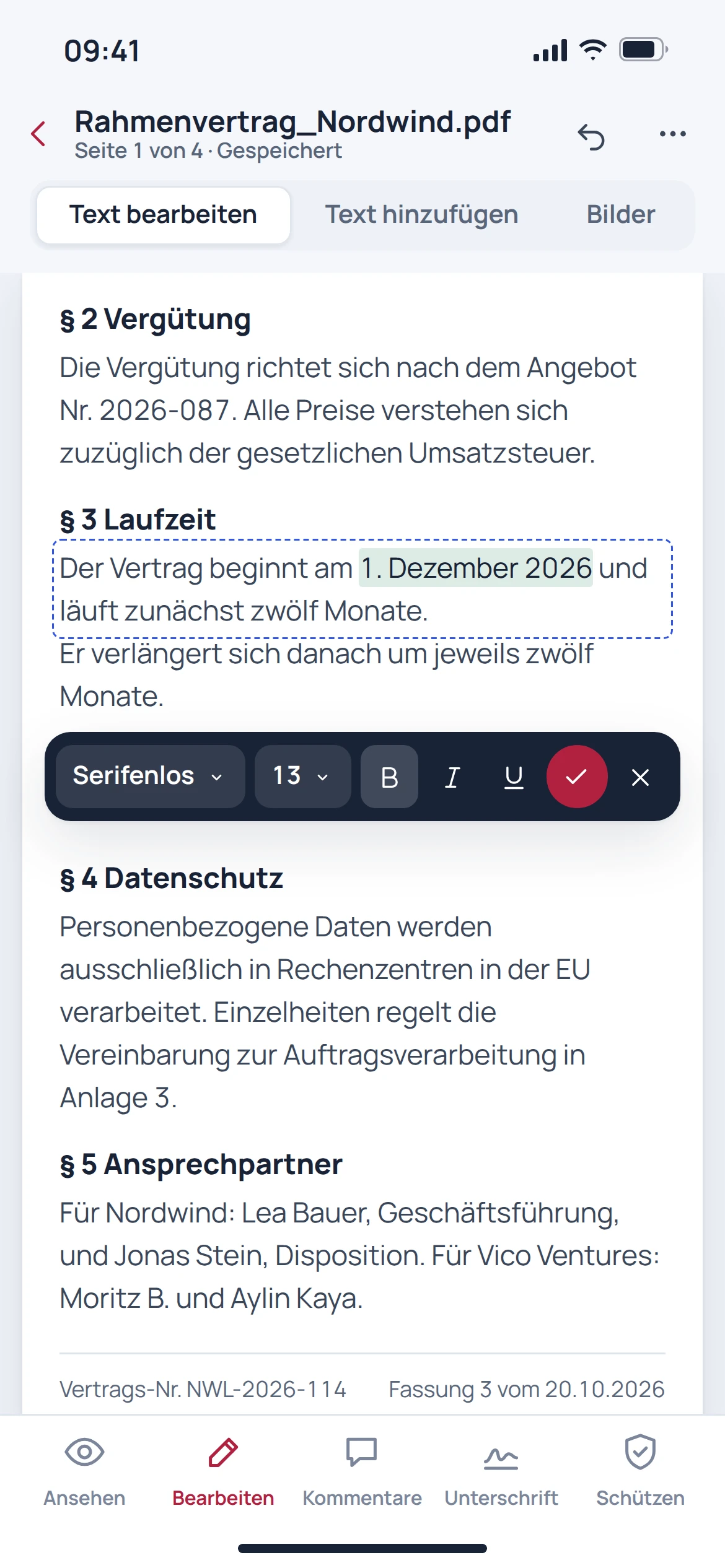
Review pages, check text and then verify changes to the PDF in the resulting file.
See the relevant workflow →EU PDF in everyday work
Edit PDFs and check the result before sharing.
Review pages, check text and then verify changes to the PDF in the resulting file.
See the relevant workflow →Add information and open the saved file once more before sharing it.
See the relevant workflow →Mark information for removal and independently check the redacted output file.
See the relevant workflow →Step by step
Determine the pages and changes required.
Edit text, forms or pages, and redact confidential information if needed.
Reopen the saved file and check the changes made.
Before getting started
No. A visible drawing alone is not a qualified electronic signature. Special signature requirements call for a suitable process.
No. Confidential content must actually be removed. The output file should then be checked again.
This is not necessary for working with existing PDF files. Automatic storage connections and provider migrations are separate features.
Pixel-perfect editing is not guaranteed for arbitrary PDFs. Pay particular attention to special fonts, forms and files that have already been signed.